
Email Builder
The Email Builder is our drag & drop interface for creating stunning email creatives with ease!
Email Builder
Our email builder is a one-stop drag & drop interface for creating market-leading creatives for your email campaigns.
Email Builder Overview 🎥
The Email Builder allows you to build up a collection of "rows" which house a number of columns that you'd like in each section. Within those rows you can then add your content such as Images, Text, Dynamic Content, and more!
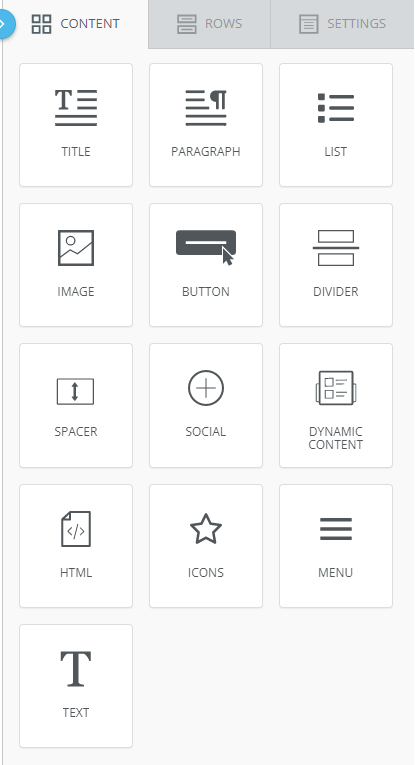
Email Builder Content Options
Each Row or piece of content that you add has it's own individual properties that can be edited in the side panel once added to your creative:
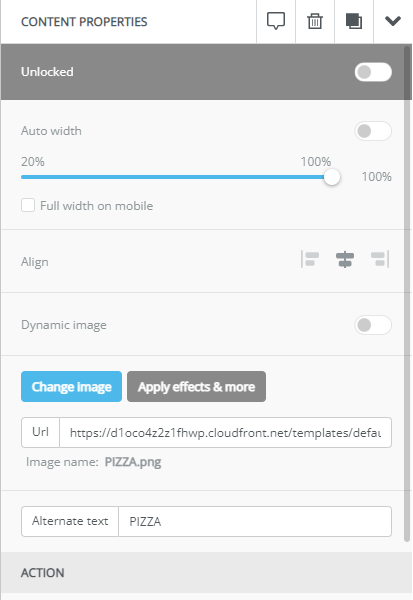
Image Content Properties
Email Builder Templates
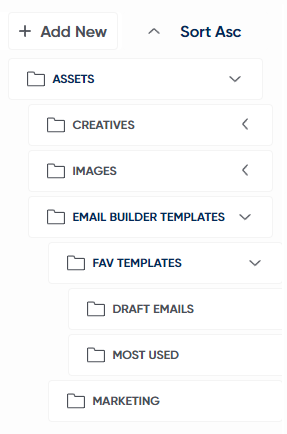
Email Builder's Saved Templates have been relocated to Asset Managerin the newly added "Email Builder Templates" directory. From here you can create new folders and organise your templates.
You can also access your templates from the "Saved Templates Folder" button on Email Builder.
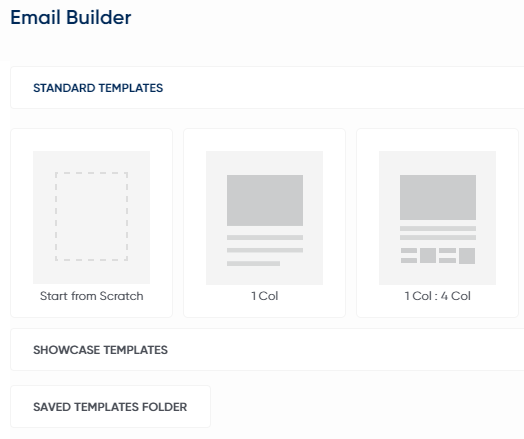
Double clicking a template will navigate you back to Email Builder's Editor Panel.
Troubleshooting a failed export
Here are a few checks to carry out if you are encountering errors when exporting in Email Builder.Within the Email builder creative, check the following:
Blue Placeholder "Please add content here" rows
- These must have content or be removed
Some images have spaces in the names
- Images should use hyphens or underscores
- Image names should be less than 30 characters
They have image extensions (or just one) of .jpeg
- Change to .jpg or .png
They have invalid characters in image alternative names or body copy
- Certain Non Alphanumeric Characters in Template name (e.g. % is not allowed)
Updated over 1 year ago